Microtonal & just intonation MIDI editor — DonutStudio
Harmonies are relationships
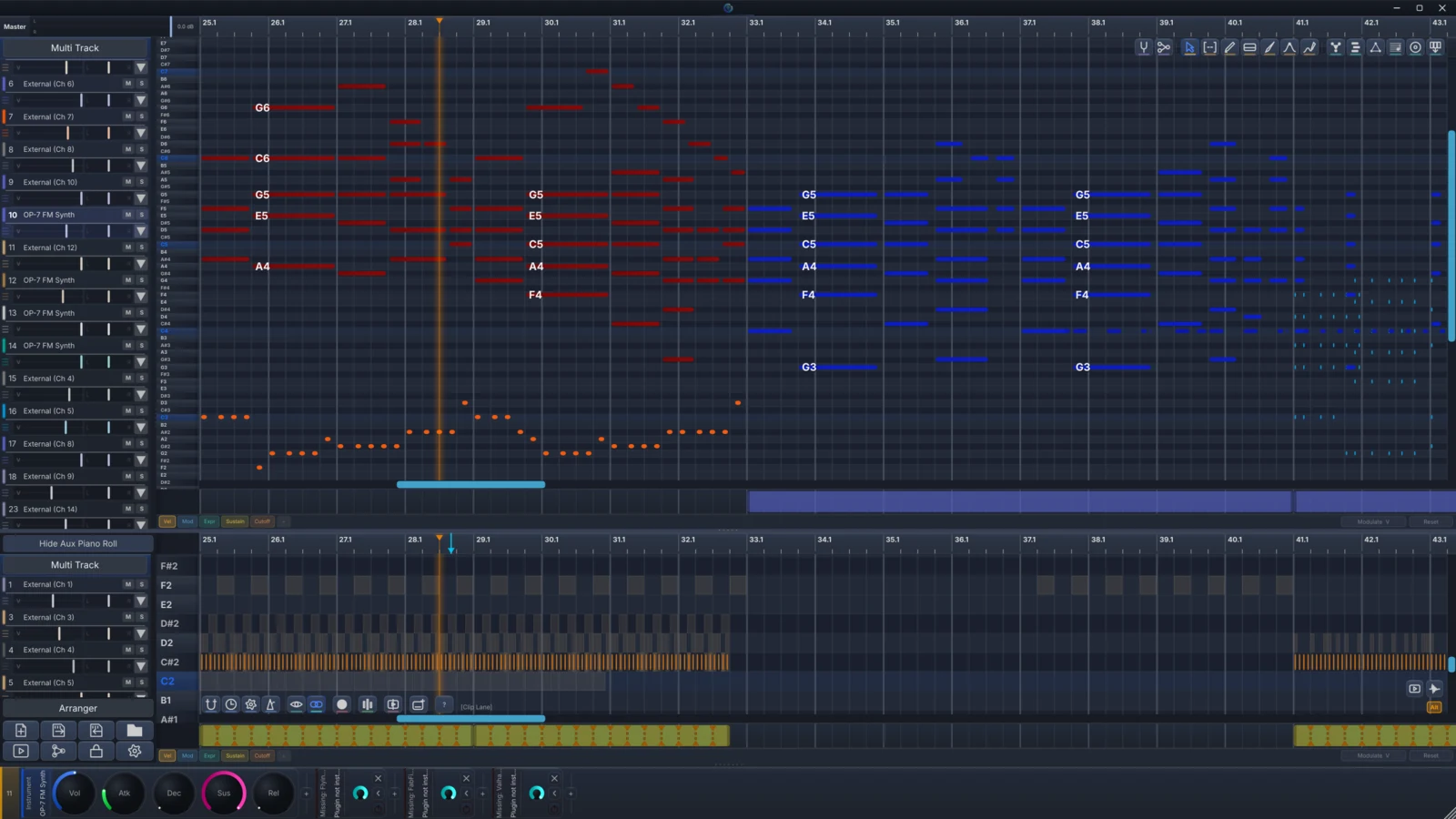
Click a hotspot to see what each interaction does on the piano roll.
- Shift-click to link — Pick a master, pick a slave. The slave's frequency becomes a pure ratio of the master: 3:2 for a fifth, 5:4 for a major third, 7:4 for a harmonic seventh.
- Double-click to cycle — Step a link through the harmonic series. From H1, H3, H5, H7, all the way to H32, every interval from the overtone series is one click away.
- Dynamic hierarchies — Any note can be master and slave at once. A → B, B → C, C → D, and the whole graph resolves in real time.
- Move the anchor — Transpose a root and every dependent note cascades along, preserving every relationship. The graph just follows.
The full tension spectrum
DonutStudio gives you the widest range of harmonic tension, from absolute consonance (zero beating, pure fusion) to extreme dissonance (collisions between different harmonic anchors that create beating patterns like Balinese gamelan), including intervals the ear has no template for. The harmonic series is a space to explore. Every ratio is a creative choice, and the composer is the one who arbitrates.
Chord tools that understand harmony
DonutStudio's chord tools work with pure ratios and harmonic relationships, so a detected chord is a structure of intervals.
JI-aware chord detection
Real-time analysis against 50+ chord templates built on pure ratios. DonutStudio reads what a voicing actually is harmonically, including harmonic 7ths, neutral thirds, and altered extensions that 12-TET has no name for.
Auto-link from chords
Detect a chord and generate the harmonic links that match. A major triad spawns 5:4 and 3:2 links automatically. Turn an entire progression into a fully linked harmonic graph in seconds.
Root Path Tune
Hand DonutStudio a chord progression and it picks the optimal tuning root for each chord automatically. A I–vi–ii–V retunes per chord with no comma drift, no wolf intervals, and no compromise between keys. DonutStudio handles the hard part of just intonation for you.
Circle-of-fifths overlay
See your progression as motion through JI space. The circle-of-fifths overlay draws the pure-fifth relationships between your roots as arrows, so a I–vi–ii–V reads as a path you can follow and adjust by ear and by ratio.
Harmonic analysis
See the actual frequency relationships between notes. Inspect how a voicing's ratios stack up, where the beating sits, and how each link contributes to the chord's character. Cmaj7 is detected as 4:5:6:15/8.
Tune every note exactly, or let a scale do it
Links are one way to place a pitch. Sometimes you want the number. Microtune any note by an exact cents offset, or mark it as a tuning root and let the rest of the graph resolve around it, all independent of the 12-TET grid underneath.
Cents-exact microtuning
Nudge any note by precise cents, or pin it as a tuning root. The piano roll stops being twelve fixed pitches and becomes a continuous tuning surface.
Scala import & tuning presets
Load any .scl scale and switch between saved tuning presets from a browser. Bring your favorite EDO, JI, or historical temperament straight into the editor.
MTS-ESP, in and out
DonutStudio is an MTS-ESP master: the microtuning you build here retunes every MTS-ESP-aware plugin in your session live. It's also a client, so it can receive tuning from elsewhere. Your tuning travels with you across the session.
Draw the pitch of every note
Every note carries an editable pitch curve. Open the expression editor and shape per-note pitch-bend points by hand, with tension and S-curve controls on every segment. Draw natural vibrato, scoops, microtonal slides, and vocal-style portamento directly on the roll. Generate a vibrato curve from depth/rate/shape, then refine it point by point, or freeze the sections you've dialed in so later edits leave them alone.
30+ transforms, from quantize to euclidean rhythm machines
Apply across selections, individual tracks, or the whole project. Every transform respects harmonic links and is fully undoable. Hold Shift while you pick one to open the per-chord overlay. Dial in different parameters for each chord in your selection and apply them all in a single pass.
Timing & rhythm
- Quantize — Snap notes to grid
- Legato — Extend per-pitch to fill gaps
- Staccato — Shorten notes by factor
- Reverse — Mirror positions in time
- Humanize — Random timing & velocity nudges
- Double length — Scale position + duration ×2
- Halve length — Scale position + duration ÷2
- Arpeggio — Spread chord notes across time with shape, span, and direction controls
- Strum — Stagger chord starts like a strum, S-curve sweep with adjustable timing
- Euclidean — Distribute hits evenly using Euclidean rhythm patterns
- Ratchet — Subdivide a note into rapid repeats
- Flam — Add grace-note offsets for a flammed attack
- Ghost — Drop in low-velocity ghost notes around the beat
- Groove — Apply swing/groove templates to the selection
- Riff machine — Generate riffs and patterns over the selection
Harmony & linking
- Auto Tune — Smart chord grouping retunes selection to pure JI ratios
- Auto Link — Link selected notes to the hovered master in one shortcut
- Chain Masters — Wire masters together end-to-end into a single hierarchy
- Chain Retune — Walk a master chain and re-resolve every dependent note
Pitch & expression
- Transpose — Shift selection by ± semitones
- Voicing Spread — Distribute pitch classes across octaves at a target interval
- Vibrato — Generate pitch-bend curves with depth, rate, and shape
- Draw Pitch — Hand-draw the F0 contour directly on a note
- Erase Pitch — Wipe user pitch edits, restore the source curve
- Freeze Pitch — Lock specific sections of the pitch curve so other edits don't disturb them
- Bake Pitch to Points — Convert a continuous pitch curve into editable breakpoints
- Load Rendered Pitch — Pull the rendered F0 from a vocal render back as edit data
Note management
- Consolidate — Merge overlapping fragments into single clean notes
- Split Notes — Break a long note into N equal pieces
- Merge Notes — Join adjacent notes of the same pitch into one
- Generative — Algorithmic note generation across a selection
- Mute — Toggle muted state on the selection
- Set Track — Move selection to another track (0–15)
- Consolidate Sample — Render attached audio with all transformations into a clean WAV
Velocity
- Set Velocity — Absolute value across selection
- Scale Velocity — Multiply current velocity by a factor
Vocal-specific
- Split Sentence — Split multi-word lyric notes into one note per word — equal, syllable, or phoneme distribution
- Fill Lyrics — Auto-distribute a lyric block across selected notes
Think in relationships
Beyond the freeform roll, the same project arranges into clips on a multi-track timeline, and a synced grand-staff score view auto-derives Helmholtz-Ellis (HEJI) just-intonation accidentals from your links (beta). The harmonic MIDI editor ships with DonutStudio and expands into a production system in DonutStudio Pro.